


 Customer Login

An office move is a useful moment to take stock of your technology. Over time, laptops change hands, monitors migrate between desks, spare equipment finds its way into cupboards, and ageing devices remain on asset registers long after they have stopped being useful.
Moving everything without first checking what you actually own can carry those problems straight into the new workplace. Worse, important equipment can be misplaced, unnecessary hardware can add to moving costs, and teams may arrive without the technology they need to get back to work.
A thorough IT asset audit checklist gives you a clear picture before anything is disconnected or packed. It helps you decide what needs to move, what needs replacing and what can be responsibly removed from service.
What Is an IT Asset Audit?
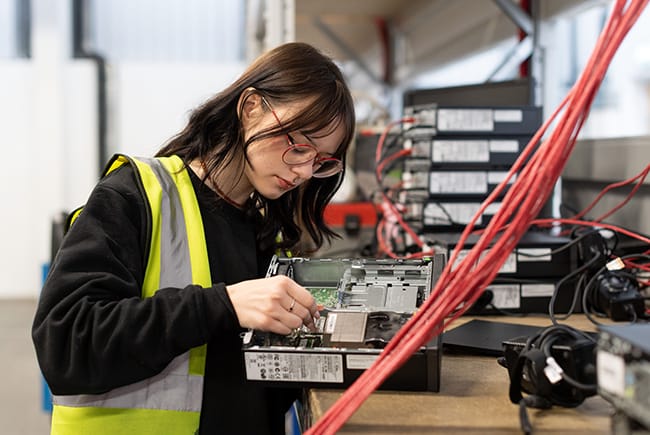
An IT asset audit is a structured review of the technology your organisation owns, uses and manages. For a typical office, that may include:
- Laptops and desktop computers
- Monitors and docking stations
- Servers and storage hardware
- Routers, switches, firewalls and other networking equipment
- Printers and multifunction devices
- Desk phones and mobile devices
- Meeting room and video conferencing technology
- Keyboards, mice, headsets and other peripherals
- Uninterruptible power supplies (UPS)
- Software licences and applications
The purpose isn’t simply to count boxes. A useful audit establishes what each asset is, where it is located, who uses it, its condition and whether there is a good reason to take it to the new workplace.
That information can then inform the wider relocation plan. Harrow Green’s guide to planning an IT office move explains how IT preparation fits into the different stages of an office relocation.
Why IT Asset Audits Matter Before an Office Relocation
IT is one of the areas where small relocation mistakes can have an outsized effect. If a missing monitor is discovered after the move, replacing it is inconvenient. If a critical network component hasn’t arrived or a server is incorrectly identified, however, part of the business may be unable to operate. Auditing equipment early reduces that uncertainty.

Reduce Downtime
An accurate inventory helps the relocation team understand what must be disconnected, transported and reinstalled, as well as the order in which that needs to happen. Business-critical systems can be prioritised and dependencies identified before moving day. This makes phased moves and staged deployments easier to plan and helps ensure essential technology is ready when employees arrive.


Prevent Equipment From Going Missing
Technology often moves around an organisation long before the organisation itself moves. Staff may work remotely, equipment may be loaned between departments, and spare devices can sit in storage. Recording serial numbers, locations, and assigned users creates a much clearer chain of accountability. Labelling assets before packing also makes it easier to track equipment from the old workplace to its destination.

Avoid Moving Things You No Longer Need
There is little value in carefully packing, transporting and unpacking a desktop that nobody has used for two years. An audit can reveal redundant, damaged or obsolete equipment before moving costs are incurred. It can also identify duplicate or underused assets that could be reassigned rather than replaced.

Support Business Continuity
It also creates an opportunity to review ageing hardware, security vulnerabilities and equipment approaching the end of its useful life. Rather than simply recreating the old IT environment in a new building, the move can become a sensible point for targeted upgrades.
A Complete IT Inventory Audit Checklist

Decide which locations, departments and asset types are included. Nominate someone to own the exercise and involve IT, Facilities and other relevant teams from the outset. Agree on how information will be recorded so everybody works from the same source rather than maintaining separate spreadsheets.
Don’t forget equipment outside the main office. Include hardware used by home workers, equipment in storage and assets temporarily assigned elsewhere. Record every relevant device and piece of infrastructure. Where applicable, capture:
- Asset ID or tag
- Manufacturer and model
- Serial number
- Current location
- Assigned employee or department
- Condition
- Purchase date and warranty status
- Software or configuration requirements
- Maintenance history
- Business criticality
Existing records are useful, but don’t assume they are completely accurate. Check physical equipment against the asset register. Investigate devices that appear in records but cannot be found and add equipment that exists but was never properly documented. This part of the IT asset audit process can expose gaps that have accumulated over several years.
Give each asset a practical status. Is it reliable enough to move? Does it need repairing? Is it approaching the end of life? Would replacement before the move be less disruptive than dealing with failure shortly afterwards? For software, review licences and applications too. Removing unused licences and legacy software can reduce unnecessary expenditure and simplify the new IT environment.
This is where the audit starts, directly shaping relocation costs and logistics. Each item should have a clear destination or outcome. A simple classification might be:
- Move
- Reassign
- Store
- Replace
- Refurbish
- Recycle or dispose
Knowing that you own 80 monitors is only half the job. You also need to know where those monitors are going. Map workstations, printers, meeting room technology and network equipment against the new floor plan. Check power, connectivity and infrastructure requirements before installation begins.
For complex moves, specialist IT relocation services can bring together auditing, planning, secure transportation and deployment rather than treating each as a separate exercise.
Use a consistent labelling system that identifies the asset and its destination. Labels should be clear enough for the relocation team to understand without needing to make assumptions on moving day. For workstation equipment, keeping associated components together can also make rebuilding desks considerably faster.
Hardware can be replaced; business-critical data may not be. Confirm that backups have completed successfully before systems are disconnected, and check that recovery procedures actually work. Security requirements should continue to apply while equipment is packed, transported and temporarily stored.
Once deployment is complete, compare what arrived with the pre-move records. Update locations, assigned users and asset statuses. Any missing or damaged equipment should be investigated promptly while the move is still fresh and the chain of custody can be checked.
Start the IT inventory audit well before equipment is due to be packed. Larger organisations, businesses operating across several locations and companies with significant numbers of remote workers will naturally need more time.
Disposing of Old IT Equipment Responsibly
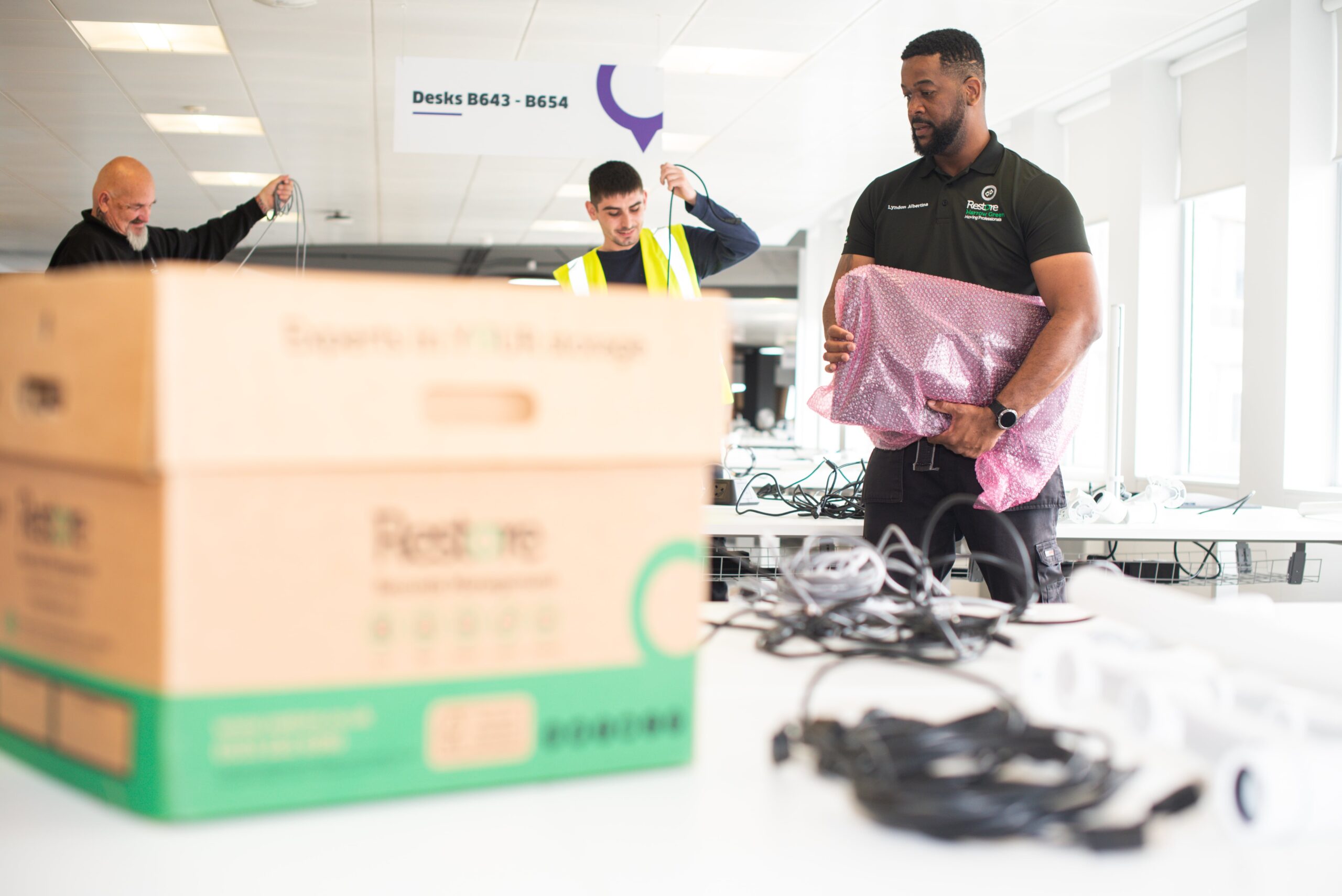
An office relocation often uncovers equipment that no longer deserves space in the new building. That doesn’t mean it can simply be thrown away. Electronic equipment may contain both sensitive information and materials that require controlled disposal. Storage devices should therefore be securely sanitised before they leave your organisation’s control. Businesses also need to consider their responsibilities under the Waste Electrical and Electronic Equipment (WEEE) regulations and relevant waste legislation.
Harrow Green can support the auditing and decommissioning of redundant IT as part of its wider office relocation services. Where equipment still has useful life remaining, refurbishment and reuse can help keep it within the circular economy. Other assets can be routed through appropriate recycling channels rather than unnecessarily going to landfill. Making those decisions before the move reduces the volume being transported and prevents the new workplace from immediately inheriting cupboards full of obsolete technology.
How To Avoid IT Asset Audit Mistakes
One of the most common problems is leaving the audit too late. Trying to identify hundreds of devices while desks are already being packed leaves little time to investigate discrepancies or arrange replacements.
Other avoidable mistakes include relying entirely on an outdated asset register, overlooking equipment held by remote workers and recording what an item is without recording where it needs to go. Consistency matters too. Decide how assets will be named, tagged and categorised before several people start entering data.
Finally, don’t treat the audit as finished once the removal vehicles leave. The post-move reconciliation is what confirms that equipment reached the right destination and leaves the business with an accurate register for ongoing IT management.

Harrow Green Delivers Secure IT Relocations
Harrow Green has more than 40 years’ experience supporting business relocations, including large-scale and complex projects. Our technology project management and engineering teams work alongside IT and facilities departments to plan the movement of equipment such as servers, monitors, printers, routers and workplace technology. That support can extend from initial auditing and planning through packing and labelling, secure transport, deployment and post-move checks.
Every organisation has different priorities. Some need a fully managed relocation, while others need specialist support for particular stages. Harrow Green can adapt the service around your programme, budget and operational requirements, with the aim of keeping disruption and downtime to a minimum.
Turn Your IT Inventory Into a Better Moving Plan
A good technology audit does more than tell you how many laptops you own. It gives the relocation team reliable information to work from. By identifying assets early, checking their condition and deciding where each item belongs, you can reduce unnecessary transport, protect important equipment and make the new workplace easier to bring online.
Just as importantly, the exercise leaves you with a cleaner and more accurate asset register after the relocation rather than carrying years of outdated records into the new office. If you’re preparing for an office move and need support auditing, moving or redeploying your technology, contact Harrow Green to discuss your relocation requirements.
Get in Touch